AI-Native Development
I've spent more than 20 years building software, and AI has fundamentally changed how I approach the work. Today, I use AI coding agents throughout the development lifecycle, from exploring ideas and designing solutions to implementation, testing, debugging, and refinement. The goal isn't simply to write code faster. It's to spend more time solving the right problems, improving the user experience, and delivering reliable software.
How I Work
I approach AI-assisted development as a collaboration between engineering experience and increasingly capable tools. I define the requirements, establish the constraints, guide architectural decisions, and work with AI agents to implement and refine solutions.
Rather than treating code generation as the finish line, I focus on the behavior of the finished software. Does it solve the intended problem? Is it intuitive? Is it secure? Does it handle unexpected situations gracefully?
I spend a lot of time using the software myself, exploring edge cases, and identifying opportunities to improve the experience.
AI makes iteration dramatically faster, but deciding what to build, evaluating the results, and taking responsibility for what ships remain central to my role.
Quality Through Verification
Moving faster only matters if the resulting software works.
My development process emphasizes multiple layers of verification, including:
- Linting, type checking, and static analysis
- Unit, integration, and end-to-end testing
- Security checks and dependency scanning
- Performance and accessibility testing
- Independent AI-assisted reviews
- Hands-on testing (dogfooding) of real user workflows
I use tools like Jest and Playwright to automate critical tests and continuously expand coverage as applications evolve. I also use multiple AI models to independently examine implementations, identify potential problems, and challenge assumptions.
No single test, tool, or review guarantees correctness. The goal is to build confidence through multiple independent forms of evidence.
Ultimately, the standard is the same whether software is written by a person or generated with AI: it needs to be reliable, secure, and fit for purpose.
Where AI Makes the Biggest Difference
AI has changed more than the speed at which I can implement features. It makes experimentation less expensive.
Ideas that once required days of setup can become working prototypes in hours. Alternative approaches can be explored without committing weeks of engineering effort.
It also makes it easier to tackle unfamiliar technologies, automate repetitive work, investigate difficult bugs, and build comprehensive test coverage.
For me, the most exciting part is the opportunity to spend more time thinking about the product and less time on the mechanics of implementation.
The Tools I Use
Claude Code and OpenAI Codex are central to my development workflow. I use them to explore solutions, implement features, investigate problems, generate tests, and refine existing software. I also use independent models to review work and provide alternative perspectives.
The specific tools will continue to evolve. What's important is the approach of combining capable AI agents with engineering experience, clear requirements, and rigorous verification.
Seeing It in Practice
One example of this approach is SceneXP, a collection of interactive 3D applications, games, and experiments I've built using Three.js and AI-native development workflows.
What began as an experiment in creating a more interesting personal website evolved into a reusable platform for building interactive experiences.
Along the way, I developed shared components, automated testing practices, performance optimizations, and deployment workflows that made each subsequent project easier to build and maintain.
The individual experiences are fun to explore, but the more interesting story is what they demonstrate: how much one engineer can accomplish by combining experience, creativity, and AI-assisted development.
I believe we're still in the early stages of understanding what this approach makes possible and I'm excited to keep exploring.
Explore custom 3D experiences at SceneXP → (opens scenexp.com in a new tab)
-
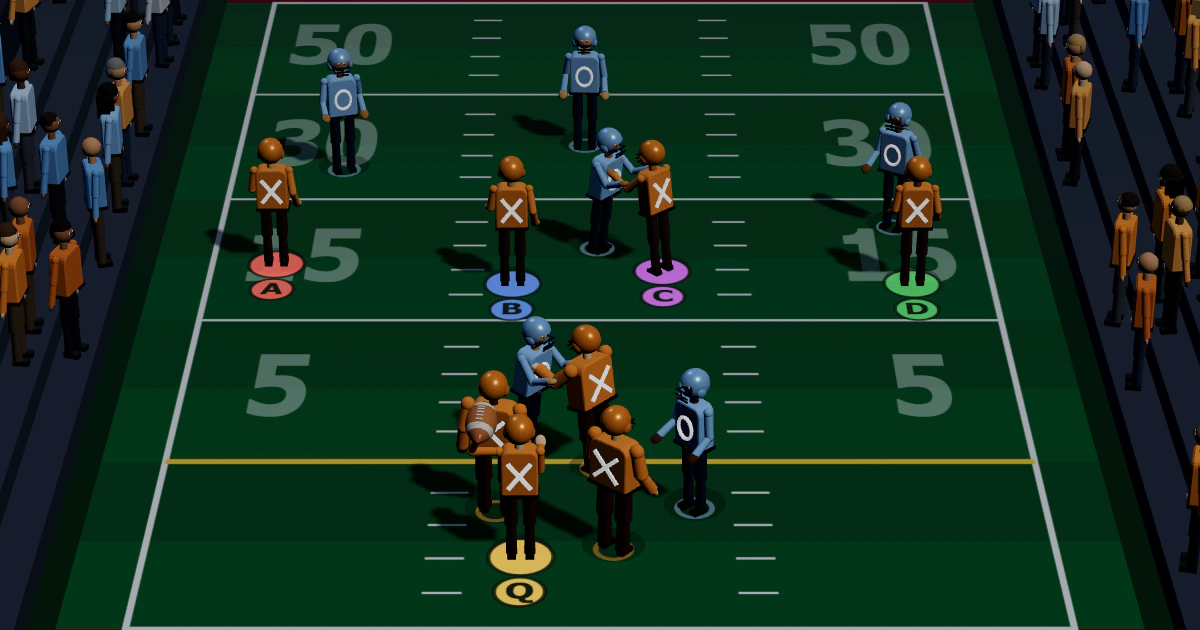
X's and O's (opens at scenexp.com in a new tab)
A football game where you call the offensive plays, then throw or run for points.
-
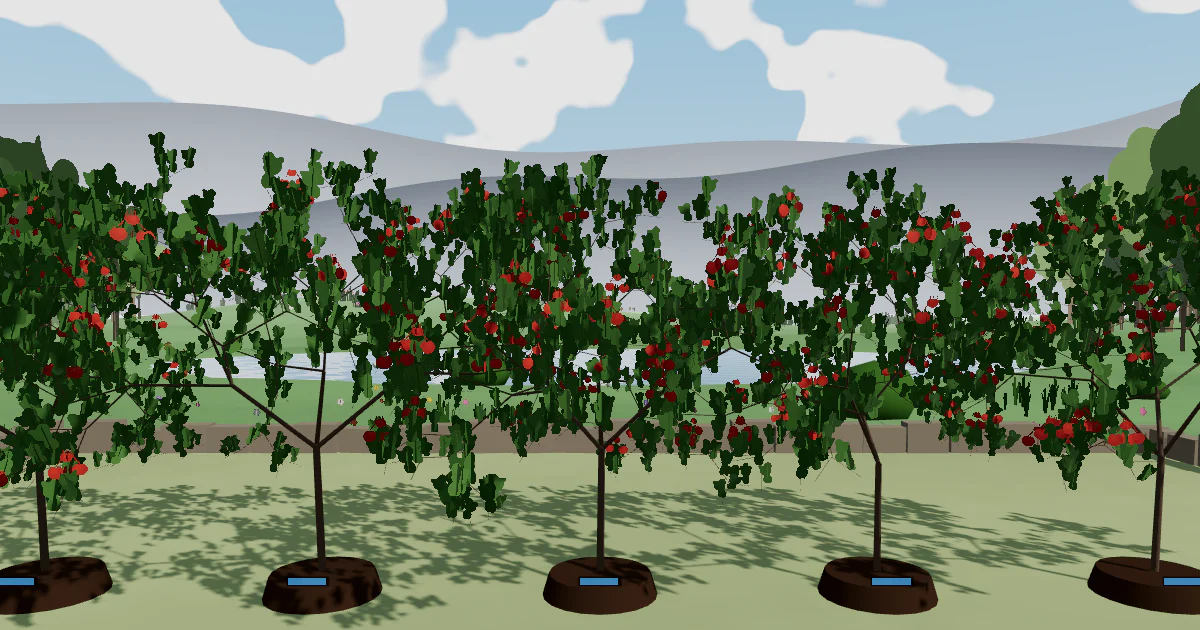
Fractal Garden (opens at scenexp.com in a new tab)
Plant and tend one-of-a-kind fractal trees and watch them change with the seasons.
-

High Water (opens at scenexp.com in a new tab)
A ninety-second water and weather study as a rising surf slowly overwhelms the shore.
-
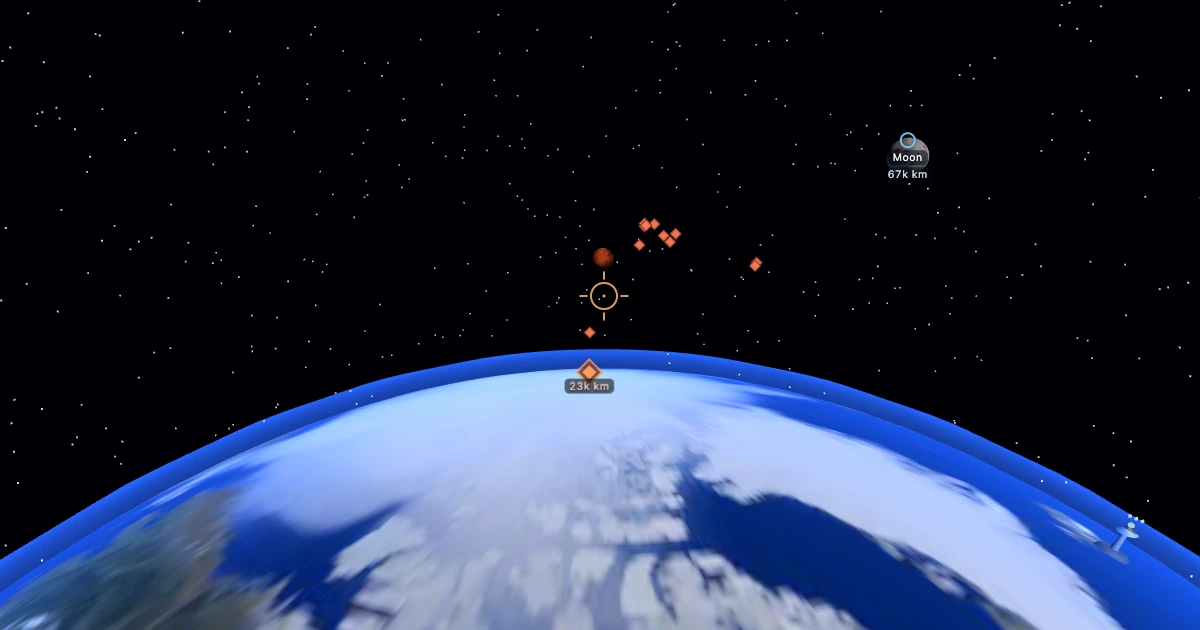
Earth Defense (opens at scenexp.com in a new tab)
Fly an orbital ship and defend Earth from a dozen Martian raiders.
Working on something? I would love to help.
Get in touch